Cities: Skylines 2 Traffic Guide: Find the Bottleneck
10 min read
Find the source of a Cities: Skylines 2 traffic jam, tell local trips from through traffic, and test one fix before you widen or rebuild the road.
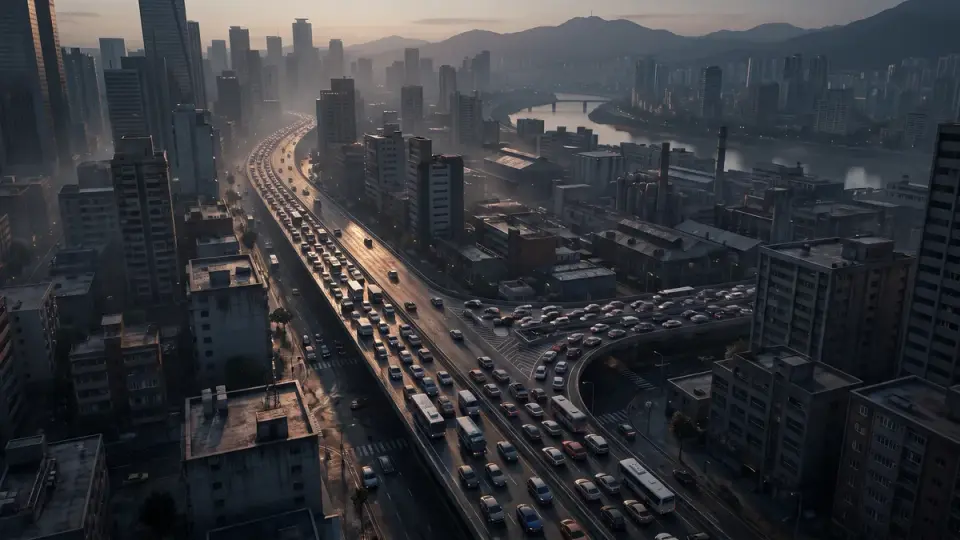
Before you reach for the road upgrade tool, pick one queue and follow it from its tail to the spot where cars stop getting through. The red stretch on your traffic map shows where vehicles are slow. It doesn't show what made them stop, and that cause is what you need to find before you spend money on asphalt.
The longest queue in your city may sit on a road that works perfectly well. Follow the cars far enough and you often find one turn or one district entrance worth fixing instead of a whole road worth rebuilding.
Quick take
- Want to know where the jam starts? Follow the queue in the direction of travel to the first movement that won't clear.
- Think the junction is the problem? Check whether its exit has room before you touch it.
- Not sure who's stuck? Follow several vehicles and sort local stops and deliveries from trips crossing the district.
- Ready to edit? Change one thing, let trips adjust, then check the original queue and the junction that takes the diverted traffic.
Start at the tail of one recurring queue
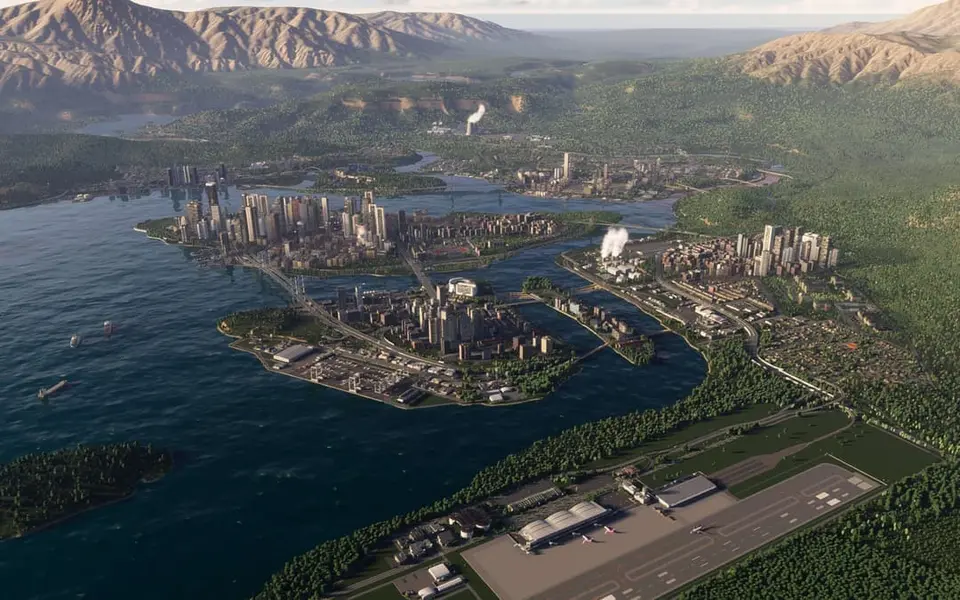
Cities: Skylines 2 lists deep simulation, advanced traffic systems, large-scale maps among its features, and its traffic is a chain of individual trips, not a single number you can tune. Every vehicle is heading somewhere specific, so a jam on your main road is usually the visible end of a problem somewhere else.
 View on Steam
Choose one queue that comes back every time the district gets busy, not the worst-looking road in the city. Note where its tail reaches, such as the junction it backs up to on your main road, and take a screenshot. That's your baseline for the comparison later.
Traffic flow versus traffic volume
Open the Traffic info view and look at both displays it offers. Traffic flow shows how smoothly vehicles are moving, with a legend that runs from green for good, through orange for middling, to red for bad. A higher flow number means no jams are forming, and a lower number means bottlenecks can appear.
Traffic volume answers a different question: how many vehicles use the road network at different times of day. A road can carry heavy volume and still flow green. A quiet road can turn red because something ahead of it won't clear.
Neither display tells you why a queue exists. Red marks roads where vehicles are slow or stopped, or roads that are running out of capacity, but it can't tell a local jam from traffic held up farther ahead. Use flow to find the queue and volume to note when it peaks, because you'll want that same time of day for your before-and-after check.
Rule out a one-off incident
If a traffic accident or other temporary blockage is sitting in the road, wait for it to clear and watch the next busy period. A queue that doesn't return wasn't a road layout problem, and rebuilding around a one-time crash wastes time and money.
Follow the queue to the first movement that won't clear
Zoom in on the tail and move the camera along the queue in the direction cars are traveling. At each junction, check which movement has vehicles standing still: the left turn, the straight-through lanes, the right turn, or a merge. The busiest-looking red stretch is often just the tail of a queue that starts at the next junction.
A blocked turn versus a full exit
Two situations look identical on the traffic map. Here's how to tell them apart at street level.
- The junction is holding cars. Vehicles wait at the stop line for a turn or merge while the road beyond the junction has open space. Something at this junction is stopping them, such as a turn crossing heavy oncoming traffic or a merge that can't find a gap. This junction is your candidate.
- The junction is a victim. Vehicles can't move because the exit road past the junction is already full of stopped traffic. Editing this junction changes nothing, because the cars have nowhere to go.
In the second case, follow the blocked exit downstream to the next junction and ask the same question. Keep going until you reach a movement that's stuck while it has room beyond it. That's the head of the queue, and it may be several junctions away from where you started.
Selecting a vehicle in the queue helps here. The Selected Info Panel shows its current status alongside its route, which tells you whether it's still trying to go somewhere or is stuck behind someone who is.
When only one lane queues
If one lane is packed while the lanes beside it move, the road isn't short on lanes. Too many vehicles need the same turn. Click several cars in that lane and read their destination and current route in the Selected Info Panel to see which way they're all heading.
A full left-turn lane next to empty straight lanes points to a turn problem or a destination problem, not a road that needs widening. Keep that observation for the next step, because it usually tells you who these drivers are.
Find out where the queued vehicles are going
Once you know where the queue starts, find out who's in it. Select vehicles in the queue and watch the Selected Info Panel, which shows each vehicle's destination, current route, and current status. It doesn't show where the trip began, so you're reading where traffic is going, not where it came from.
Follow at least five or six vehicles past the junction, and use the camera to follow them where the panel alone isn't clear. Sort each one into one of two groups:
- Local access. A car turns into the neighborhood, or a truck pulls up to a shop, factory, or warehouse inside the district. Deliveries count here, even though trucks feel like outside traffic.
- Through traffic. The vehicle crosses the district without stopping and leaves on the far side for a destination elsewhere.
Trucks are where this goes wrong most often. A line of them can look like through traffic until you notice they all pull into the same industrial area. That's local delivery demand squeezing through one entrance, and a bypass won't help it at all.
The split tells you which kind of fix to test. A queue that's mostly local is an access problem, a queue that's mostly through traffic is a routing problem, and a mixed queue means you fix the larger share first.
Change the smallest thing that matches the cause
Pick one edit that answers what you actually saw. Each fix below has a cue that justifies it and a condition that rules it out.
| What you saw | Try | Skip it if |
|---|---|---|
| A conflicting turn blocks a movement with room beyond | One turn restriction | No viable alternate route remains |
| Local trips and deliveries share one crowded entrance | One extra district connection | It feeds the same junction |
| Through traffic cuts across local streets | A short bypass connection | The receiving junction is already full |
| A movement keeps failing with room downstream | Added capacity | A routing or access fix covers it |
Restricting one conflicting turn
Turn restrictions are placed with the road tools at the intersection itself rather than by editing individual lanes. They live in the Advanced Road Services tab of the roads menu, which you unlock by reaching the first milestone and spending development points on the Advanced Road Services node.
Before you ban a turn, trace where those drivers will go instead. If the only alternative sends them on a loop through a residential street, or leaves delivery trucks with no way into the buildings they serve, the restriction trades one jam for a worse one. Keep it only if a sensible alternate route exists.
Adding a second district entrance
When the queue is mostly local trips and deliveries funneling through one entrance, build one new road connection into the district. Connect it somewhere that avoids the junction that's already overloaded. A second entrance that dumps traffic back onto that junction just adds another source of queuing cars.
Testing a short bypass
When through traffic is using local streets as a shortcut, a short connection that lets those trips skip the district can clear things up. Look first at the junction where the bypass rejoins the main network. If that junction already backs up at peak time, the bypass will move your jam there.
Adding capacity
Widen the road or add lanes only when one movement repeatedly fails to clear, its exit has room, and none of the simpler fixes address it. That combination means the road really is carrying more than it can handle. Most recurring queues never reach this step.
Retest the original queue and the receiving junction
A fix counts only if the original queue clears more readily and the next junction absorbs the extra traffic without backing up. Test the change the same way you diagnosed the problem: one change, then the same observations.
Save under a new name before you edit, so reverting is one load away. Make exactly one change, then give traffic time to adjust. Vehicles already on the road may finish their old routes, so wait through at least one full busy period before you judge the result.
Compare at a similar time of day, using the volume view to match the peak you noted at the start. Go back to the original approach and check whether the tail falls short of your baseline and whether the head movement now clears. Then go to the road receiving the diverted traffic, because the original junction can look better while a new queue forms at the connection that took the overflow.
Keep, revert, or trace farther
- Keep it when the original queue is shorter and the receiving junction is coping. A modest improvement is good enough, so stop tinkering and go back to building.
- Revert it when the original queue improved but a new one formed at the receiving junction. You moved the jam, so load your save.
- Trace farther when the original queue still won't clear. The real head is probably farther downstream, so go back to following the queue.
Test one traffic fix
What to do with your next jam
Fixing traffic in Cities: Skylines 2 comes down to the order you work in: trace the queue from tail to head, check whether the exit has room, sort local trips and deliveries from through traffic, then change one thing and retest both ends. Hold off on widening until a capacity problem is confirmed, and many recurring bottlenecks turn out to be one turn or one entrance.
That detective work is part of the game's pull, and it suits builders who like tuning a district until it runs smoothly. Cities: Skylines 2's difficulty is medium, and traffic is where much of that difficulty lives. If you'd rather plan cities without following individual delivery trucks, my guide to games like Cities: Skylines 2 covers alternatives with different priorities.
If traffic is the part you love, my roundup of city builders with the best traffic systems is the next place to look. For tonight, pick the queue that keeps coming back, follow it to its head, and test one change.